Multi-chain assets
Different networks keep separate state. Confirm network, address and confirmations before interpreting a balance.

A multi-chain wallet, blockchain network and Web3 knowledge hub from imtoken
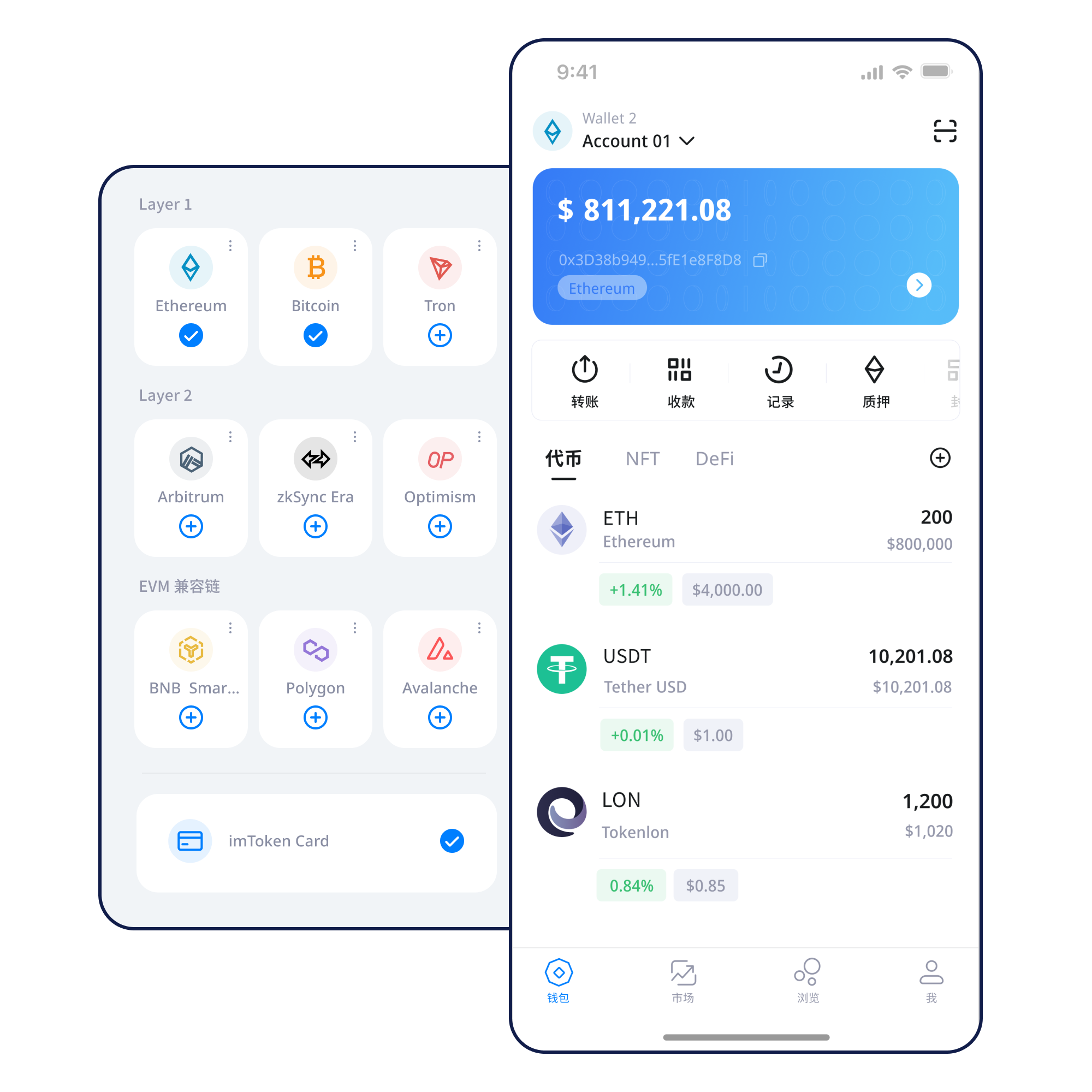
Manage assets across networks, understand receiving and sending, review DApp connections and approvals, and learn how network mechanics affect wallet safety.
Understand account creation and key ownership before your first transaction.
Learn more →Verify your backup offline and keep recovery material away from chat, email and cloud screenshots.
Learn more →Confirm the receiving network and address before asking another party to send.
Learn more →Check address, network, amount and gas before signing.
Learn more →Verify the domain, account request and every later signature independently.
Learn more →A wallet is more than an asset list. It connects key custody, networks, transactions and permissions.
Different networks keep separate state. Confirm network, address and confirmations before interpreting a balance.
Review address, network, amount, gas and transaction hash.
Mobile access to network management, assets, records and DApp connections.
Use browser connections deliberately: verify the domain, account request, signatures, approvals and disconnection state.
Keep seed phrases and private keys offline and review approval scope.
Switching a network changes the ledger context you are reading and the contracts you are interacting with.
Assets belong to specific networks. Similar addresses do not merge network state.
Nodes propagate transactions and blocks, while consensus rules decide valid state.
EVM networks share an execution model but keep separate Chain IDs, gas assets and contracts.
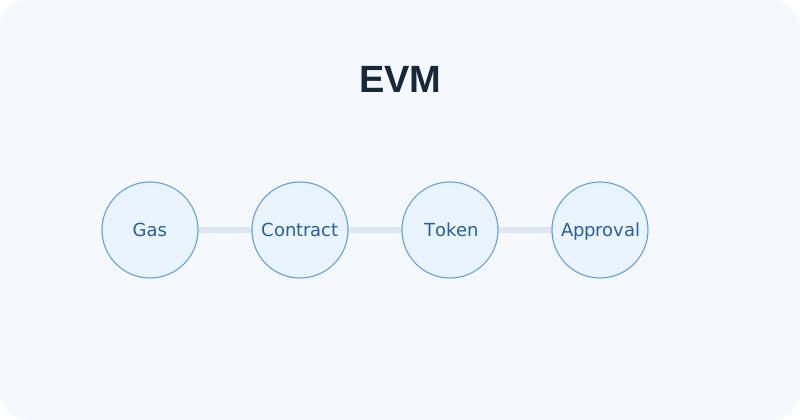
Layer 2 systems use different scaling and settlement designs. Bridging may require several stages.
Fees depend on network demand and execution complexity. Use the transaction hash to verify on-chain status.
Each step has a distinct safety check.
Use the official download entry and verify the source.
Understand key ownership before creating or importing.
Keep the seed phrase offline and private.
Confirm the network before receiving or sending.
Check the address, amount and gas.
Use transaction hashes and review permissions regularly.
A connected wallet should still evaluate every signature and approval independently.
Open Web3 guide →Security depends on how keys are backed up, how domains and networks are verified, and how signatures are reviewed. imtoken will never ask for your seed phrase, private key or verification code.
Start with addresses, seed phrases, private keys, networks, gas, transaction hashes, DApps and approvals. Understanding how they relate makes later operations easier to verify.
Read the guide →How nodes, blocks and confirmations shape transaction status.
Understand gas, contracts and token approvals.
Learn the relationship to L1 and cross-layer transfers.
Review connection, signatures and allowance scope.
Protect keys, devices, transactions and permissions.
Understand validators, reward sources, network status, withdrawals and exits. Rewards are not guaranteed and may change.
Read more →Validator penalties, contract risk, waiting periods, price volatility and third-party service risk should all be considered.
PoS & Validators →Notices focus on verifiable product, network, security and service information without invented dates or claims.
Confirm the exact network before receiving or sending assets.
Use the transaction hash to separate interface display issues from on-chain state.
Check spender addresses and remove permissions you no longer need.
Review exits, penalties and protocol state before participating.
Quick answers to core wallet, network and security questions.
A seed phrase can recover a set of wallet keys, while a private key directly controls a specific account. Both are highly sensitive and should never be shared with support or entered into an unfamiliar website.
Each network maintains its own state. Even when EVM addresses look identical, balances, contracts and transaction history are separate.
Check the recipient address, network, asset, amount and gas, and confirm the receiving service supports that network.
Gas is the network resource used to execute transactions or smart-contract calls. Cost depends on network conditions, complexity and fee settings.
A transaction hash identifies an on-chain transaction and can be used in a block explorer to inspect status, block inclusion, fees and logs.
A connection alone usually does not transfer assets, but later signatures, transactions or approvals may change on-chain state.
A message signature may be used for authentication, orders or permissions. Do not sign content you do not understand.
Every download button on this site uses the same local entry.